Guide
KitchenAid Oven Demo Mode: How to Turn It Off
A KitchenAid oven in demo mode lights up but never heats. Here is the 5-step menu path to turn Store Demo Mode off, plus settings that look like faults.
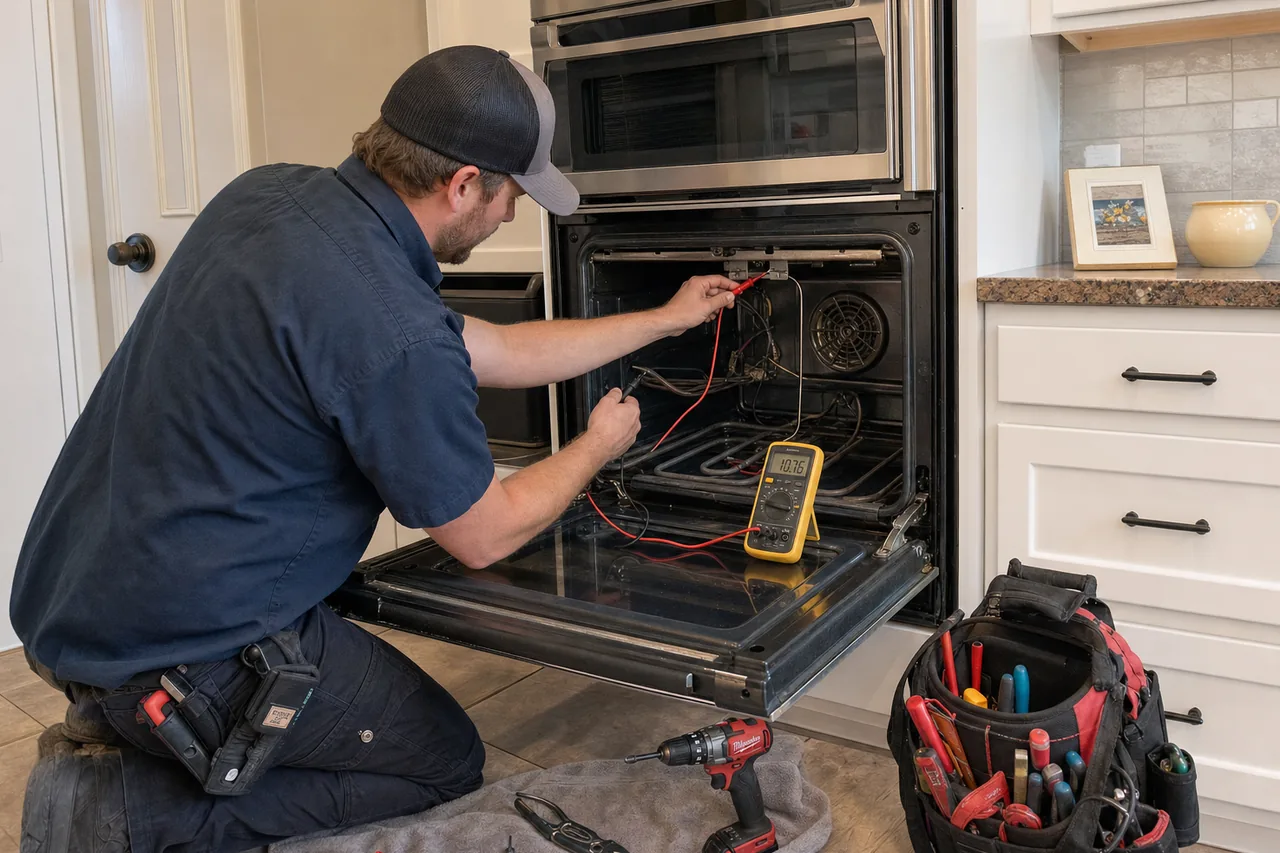
A KitchenAid oven in demo mode lights up, beeps and lets you scroll through every menu, but the heating elements never switch on, so the cavity stays cold even when the display shows a 350°F bake. On KitchenAid touchscreen wall ovens you turn it off in 5 taps: Try the Product, Explore, Store Demo Mode, OFF, then YES.
Demo mode is a saved setting, not a failed part, and several other KitchenAid settings can make a healthy oven look broken too.
What does demo mode do on a KitchenAid oven?
KitchenAid calls it Store Demo Mode. It lets a showroom show off the controls, lights and display without turning on the heating elements. You can pick Bake, set a temperature and start a timer; the only thing missing is heat.
That is why it gets mistaken for a burned-out element or a dead control board. The setting can be left on from a showroom or switched on by accident while exploring the menus.
How do you turn off demo mode on a KitchenAid oven?
On touchscreen KitchenAid wall ovens, the setting lives in the product menu:
- From the home screen, open Try the Product.
- Choose Explore.
- Select Store Demo Mode.
- Tap OFF.
- Confirm with YES.
Then set Bake to 350°F and give it several minutes. If the preheat display climbs and the oven warms, the problem was the setting, not a part.
- Use the menu, not the breaker. Demo mode is a saved setting, so the documented way out is the menu path, not cutting power.
- Ovens without a touchscreen differ. The exit sequence depends on the control, so check the use and care guide for your model number.
- Find the model number. On built-in wall ovens the label is on the top of the oven cavity; on commercial-style ranges, on the cavity ceiling.
Which other KitchenAid settings look like a broken oven?
Several displays on KitchenAid wall ovens and ranges point to a setting or a power event rather than a failed part. Work through this table before you book a repair.
| Symptom or code | Likely cause | What the owner can check | When to call a technician |
|---|---|---|---|
| Display and lights work, no heat | Store Demo Mode is on | Try the Product, Explore, Store Demo Mode, OFF, YES | Still cold after demo mode is off |
| SAB, Sab, 5AB or 5A6 | Sabbath Mode: only Bake runs, no tones, no temperature changes shown | Turn Sabbath Mode off with your model’s controls | Display stays stuck after it is turned off |
| Locked, Lock or Loc | Lock feature has shut down the control pads and locked the door | Release the lock; it cannot be set while the oven is in use | Lock will not release |
| ”C” beside the temperature, will not go above 260 | Display is set to Celsius | Switch the temperature unit to Fahrenheit | Not needed |
| Blank clock | Hidden-time option on some models | Hold Clock Set/Start for 5 seconds | Display stays blank and pads do not respond |
| ES or E5, screen goes dark after 5 idle minutes | Energy Save mode on some ranges | Hold CLOCK for 10 seconds to switch it on or off | Not needed |
| PF or a flashing time of day | Power failure | Press the cancel pad, then reset the clock | PF keeps coming back |
| Door locked after self-clean | Oven is still above about 200F (95C) | Let it cool; after a power failure press Cancel/Off and wait 20-30 seconds | Still locked after 30-90 minutes of cooling on a manual latch |
| 1d11 (wall oven) or F2 (range) | Temperature sensor, control or their wiring | Breaker off for 1 minute, back on, then watch for 1 minute | The code returns |
| F9 or F9 E0 | Miswired outlet or power-line noise | Breaker or fuse off for 1 minute | Installed within about 3 months: have an electrician check the supply |
Is the oven really running hot or cold?
KitchenAid advises against judging the oven with a thermometer: the elements or burners cycle on and off, so the cavity runs slightly hot or cool at any moment, and opening the door changes that cycling. If familiar recipes consistently over-bake or under-bake, adjust the calibration instead:
- Arrow-key controls. On some KitchenAid ranges and ovens, hold the Temp/Time down arrow for 5 seconds until the display shows the current offset, such as “0°F CAL”. The arrows then move it in 5°F (3°C) steps between 30°F (18°C) and -30°F (-18°C).
- BAKE-key controls. On other models, hold BAKE for 5 seconds. The offset moves in 10°F (6°C) amounts between 30°F (17°C) and -30°F (-17°C).
- Menu controls. Ovens with a settings, options or tools button keep temperature or oven calibration in that menu.
Make one small change and bake something you know well. If the oven is still clearly off at the end of the range, the temperature sensor or control needs a look.
When is a cold KitchenAid oven a real repair?
If demo mode is off, no Sabbath, lock or power-failure indicator shows, and the oven still will not warm, the cause is usually a part: a bake element or igniter, the temperature sensor, the control board or its wiring. A 1d11 or F2 that returns after the breaker reset points the same way. Typical ranges:
- Diagnostic / service call: $95–$149
- Oven igniter / bake element: $250–$500
- Thermostat / temperature sensor: $280–$450
- Control board / electronics: $400–$850
These are typical ranges, not quotes; the firm quote is given on site after diagnosis. Mamaroneck Wolf Appliance Repair is an independent service, not manufacturer-authorized, and works on KitchenAid wall ovens and ranges as well as Wolf cooking equipment in Mamaroneck, Larchmont, Rye Neck, Harbor Heights and nearby towns. See wall oven repair, the single wall oven page or the full repair pricing list, or call (914) 809-9382 with the model number and the exact text on the display.
Frequently asked questions
How do I get my KitchenAid oven out of demo mode?
On touchscreen wall ovens, open Try the Product, choose Explore, select Store Demo Mode, tap OFF and confirm with YES. Then run Bake for a few minutes to confirm the oven heats.
Is there a KitchenAid demo mode code or reset?
For KitchenAid wall ovens the documented exit is that menu path, not a numeric code. Ovens without a touchscreen use a sequence that varies by control, so check the use and care guide for your model number.
Do KitchenAid ovens have Sabbath mode?
Yes, and it can be mistaken for demo mode or a fault. In Sabbath Mode only Bake operates, no tones sound, and the display may read Sab, 5A6 or 5Ab.
Can I check my oven temperature with a thermometer?
KitchenAid advises against it, because the heat cycles on and off. Judge by baking results and use the calibration offset instead.